From scenario control to video debriefing: Successful simulation starts with the right perspective. And that depends not only on the technology you use, but above all on how strategically you select and position your cameras. Here are five tips to help guide your decision.
1. Training First – Technology Second!
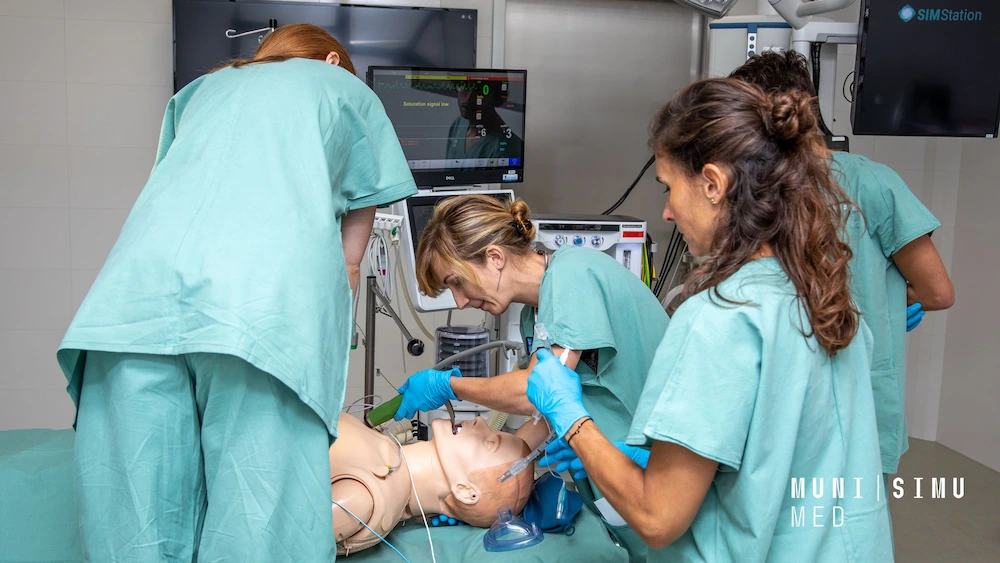
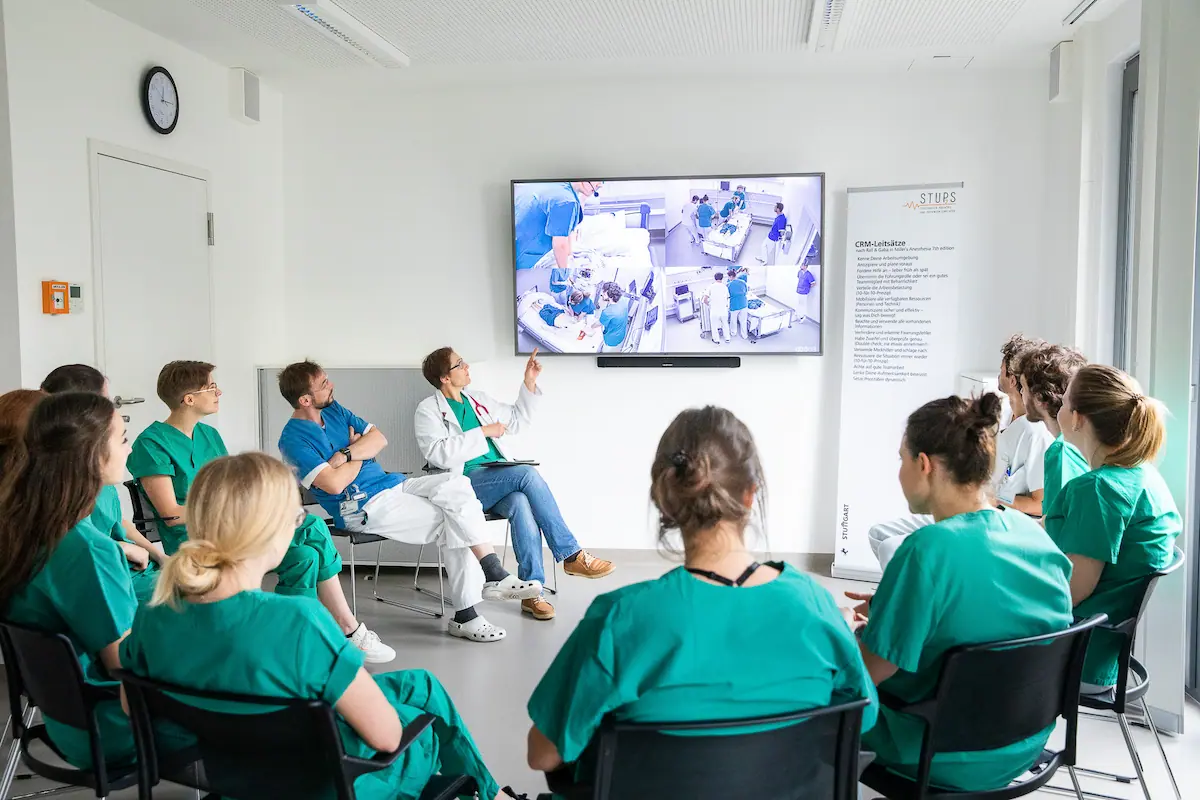
Don’t let the camera or the technology take center stage – your training goals should always come first. What behaviors or processes need to be observed? Is the scenario focused on a specific person, an action, or the overall setting? And how will the video recordings be used later in the debriefing? Once these questions are clear, the rest follows naturally: the number of cameras, their type and placement, and the framing of each shot.
2. Make the Room Part of the Setup
The best camera won’t help much if the room itself gets in the way. Lighting, room depth, and obstacles like furniture or doors have a huge impact on where and how cameras can be placed effectively. And don’t forget the participants: How many people will be in the room, how will they be distributed, and what paths will they take? Consider these factors early on – they largely determine the available viewing angles and, ultimately, the quality of your video debriefing or live streaming.
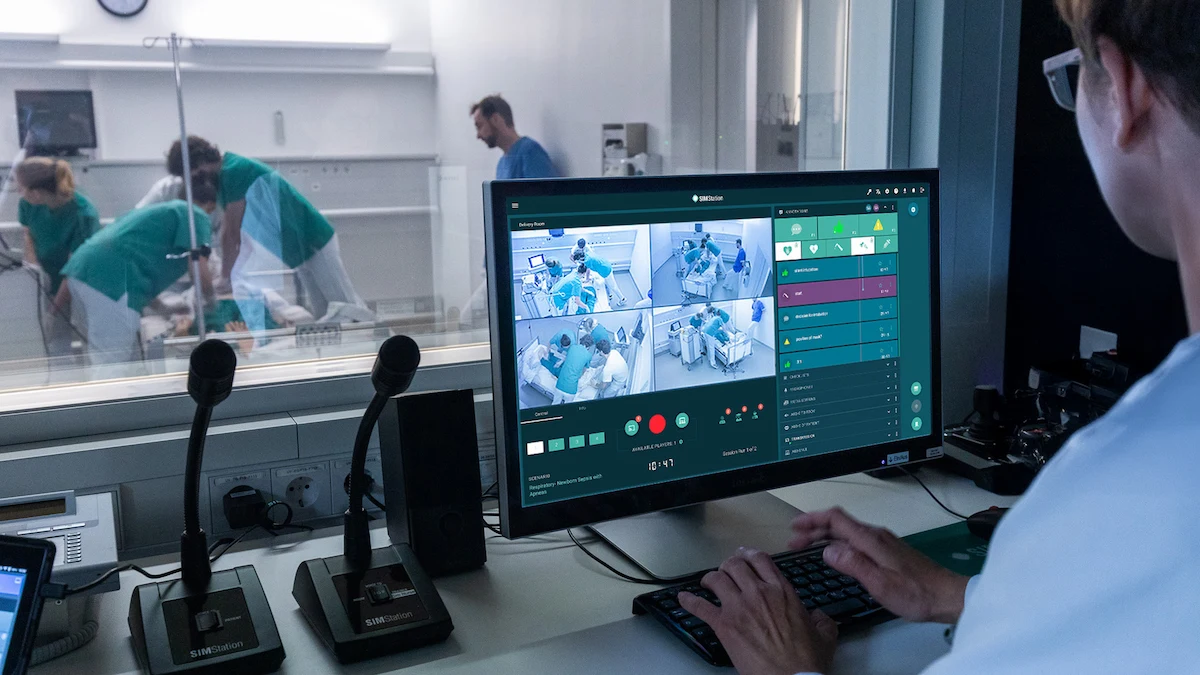
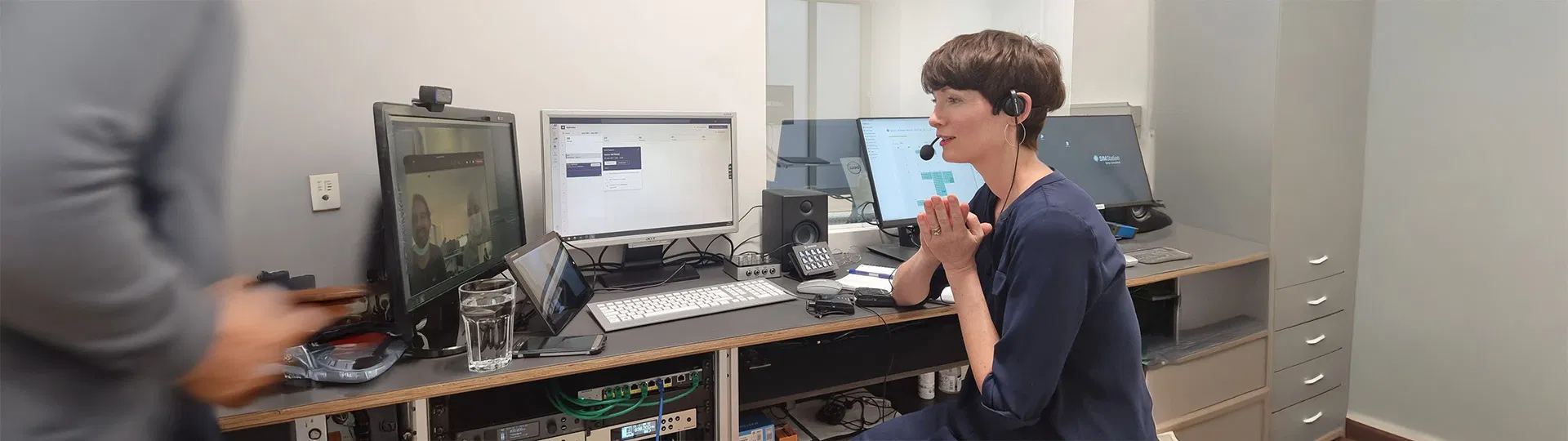
PTZ, wide-angle, infrared, fixed or mobile – each camera type comes with its own strengths and limitations. The best results come from a well-thought-out combination tailored to the scenario, the room, and the training format. For highly dynamic exercises or complex setups, it’s best to assign clear roles in the control room: one person manages the cameras, while another focuses on annotation and checklists.
4. Sometimes, Less Is More
Three well-chosen perspectives are often more valuable than six mediocre ones. Too many cameras can complicate the technical setup and make the video debriefing harder – with redundant or confusing angles that scatter attention instead of sharpening it. Focus on quality over quantity for the best results.
Get the Full Guide
Explore key recommendations on camera setup, use cases, and technical requirements in our whitepaper.
A well-designed setup saves time in the long run and ensures consistent quality. With the SIMStation Software’s Stage Designer, you can predefine your camera settings – from angle to zoom – and recall them during training with a single click via the recording software. This way, you avoid unnecessary adjustments and increase efficiency in recurring training sessions.
Get More Out of Camera and Video – with SIMStation Software
Flexible camera control and intuitive operation
Predefined camera settings for different scenarios
Customizable video layouts for live streaming and debriefing